Installation
Here, you will learn how to install Pandawa and its glory!
Using a skeleton project
Feel free to fork or clone this repository
Install vendor dependencies using
composer installVerify the installation and run
php artisanto list all commands, you should see some pandawa commands available.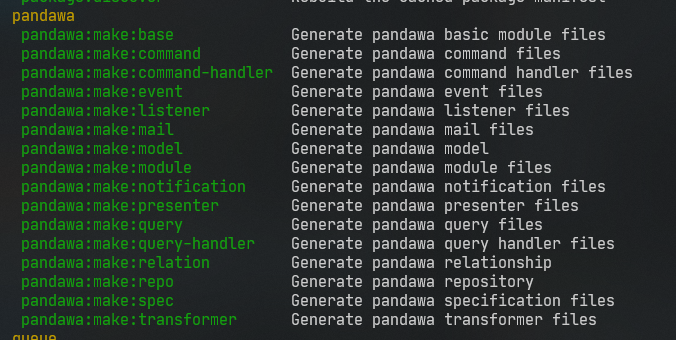
You're set!
tip
If you need a demo app that is built with Pandawa, you could check blog-demo repository for an overview of Pandawa's structure, concepts and usage.
Manual
TBA
Troubleshooting
If you're having a hard time installing Pandawa, this might help you.
Prequisites
Please make sure you've...
- Enabled
sodiumextension. How to - Running php 8 or above
Enabling sodium extension
Open your
php.inifile in your php installation directory with your favorite text editor.Find a collection of extension like on the image below

Add this line to your configuration file
extension=sodiumTry to re-run the thing you're trying to do before.
Error Fideloper's TrustProxies not found
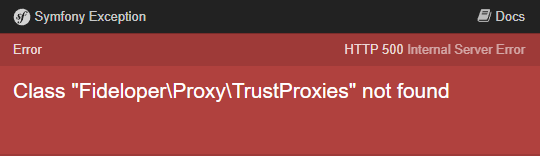
You need to change TrustProxies in app/laravel/Http/Middleware/TrustProxies.php as part of Laravel 9 migration process.
Just replace Fideloper\Proxy\TrustProxies to Illuminate\Http\Middleware\TrustProxies